Problem: A design file will not load on your machine, or it loads with wild, wrong colors, and it is not clear if the file is broken.
Solution: Match the format to your machine brand, and remember that DST stores stitches and stops — not colors — so its screen colors are placeholders.
Next step: Find your format in the table below, then order your design in that format from the start.
What a machine file actually holds
An embroidery machine file is a list of moves. Move the hoop this far, drop the needle, move again, trim here, stop for a color change there. The machine does not see a picture of your logo. It follows coordinates, stitch by stitch, thousands of times. That is why the same design has to exist in different formats: each machine brand reads its own dialect of those moves, and a file written for one brand may be refused by another, even though the stitches inside are identical.
Formats split into two families. Machine formats — DST, PES, EXP, JEF, VP3, XXX, HUS — are finished files, ready to sew. Working formats — EMB is the best known — hold the design as editable objects inside digitizing software. You cannot sew a working file, and you cannot truly edit a machine file. Mixing up those two families causes half the format trouble buyers run into, so keep the line clear: machine files run machines; working files let digitizers change the design and export new machine files.
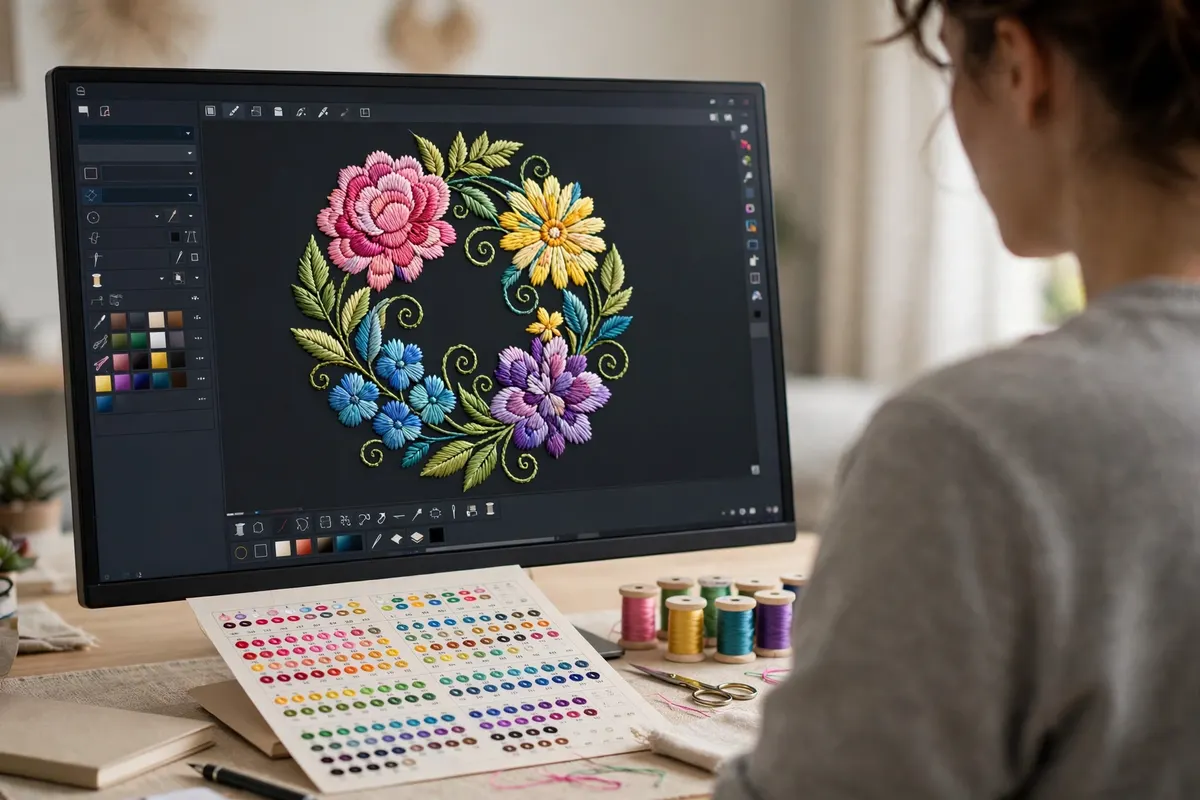
DST: the commercial standard with no colors
DST comes from Tajima, and it became the shared language of commercial embroidery. Most multi-head and industrial machines read it, and many home machines accept it as well. A DST file is lean: stitch coordinates, jumps, trims, and color-change stops. That leanness is its strength — it is small, stable, and nearly universal in pro shops.
Its famous weakness is color. A DST file does not store which thread color belongs to each section. It only says “stop and change thread here.” When software opens a DST, it has to show something, so it assigns default colors in sequence — which is why a tasteful two-color logo can appear on screen in clashing shades that were never part of the design. The file is not wrong. The stitches, sizes, and stops are exact. The colors live outside the file, on your proof or run sheet, where each stop is matched to a real thread. Commercial shops work this way every day: the DST drives the machine, the run sheet drives the thread choices. Once you know that, the odd screen colors stop being scary and become a known quirk of the most trusted format in the trade.
PES and the home-machine formats
PES is the native format for Brother machines, and Babylock machines use it as well. Unlike DST, a PES file can store thread colors, so the design on your screen usually looks close to the real thing, with color names drawn from a thread palette. That makes PES friendlier for home and small-shop use, where the screen preview guides the person threading the machine. Different PES versions exist for different machine generations, which is one reason a studio asks for your model, not just your brand.
The same pattern repeats across brands. Janome machines use JEF. Husqvarna Viking and Pfaff machines use VP3 and the older HUS. Singer machines use XXX. Melco machines use EXP, which Bernina machines also read in many setups. None of these is “better” in stitch quality — a well-digitized design sews the same in any of them, because the stitch plan is the same. The format only decides whether your machine can read the plan and how much color guidance travels with it.
| Format | Used by | Carries colors? |
|---|---|---|
| DST | Tajima and most commercial machines | No — stops only |
| PES | Brother, Babylock | Yes |
| EXP | Melco, many Bernina setups | Limited |
| JEF | Janome | Yes |
| VP3 / HUS | Husqvarna Viking, Pfaff | Yes |
| XXX | Singer | Yes |
| EMB | Wilcom software (working file) | Yes — editable source |
CND and PXF are also supplied on request. If your format is not listed, ask — the studio exports to DST, PES, EXP, JEF, VP3, XXX, HUS, EMB, CND, and PXF.
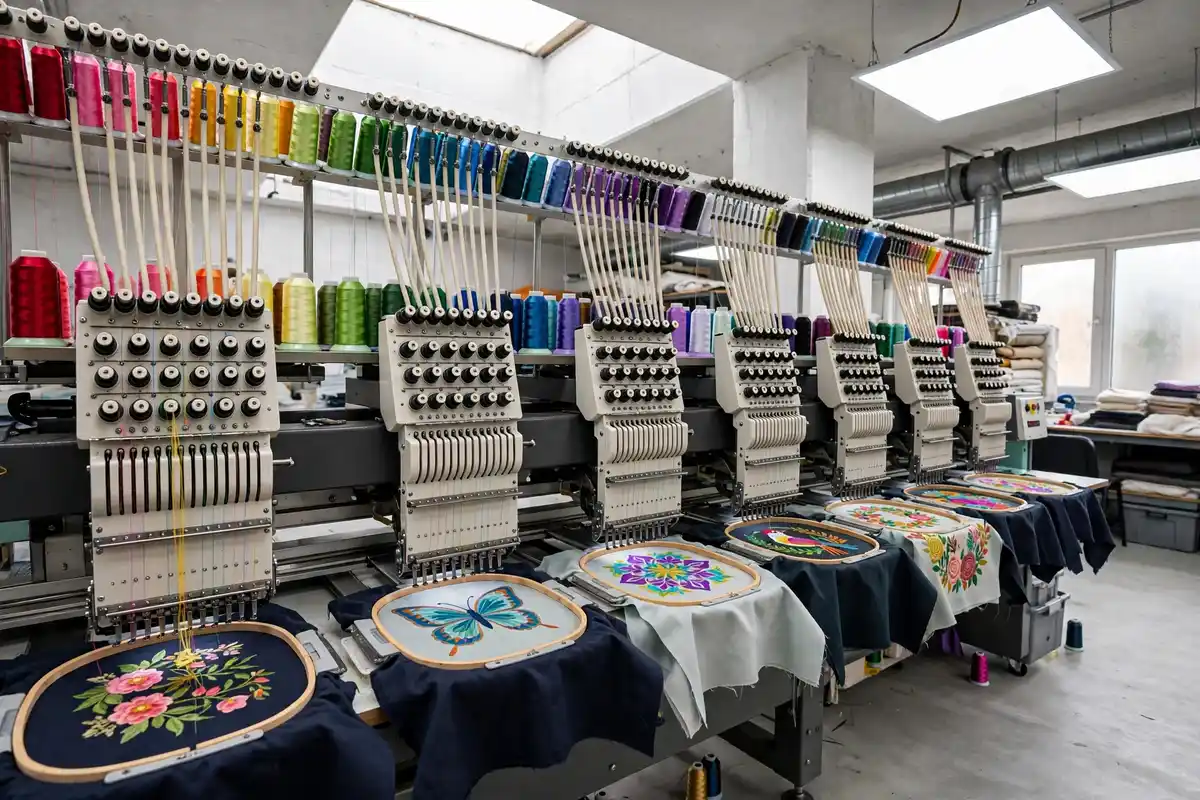
Can you just convert one format to another?
Often, yes — with limits worth knowing. Because machine formats all store stitch moves, converter tools and digitizing software can repackage a DST as a PES, or a PES as a JEF, and the design will sew in the same place with the same stitches. For a shop that gains a second machine brand, conversion keeps old designs in service, and studios do it daily.
Two limits matter. First, conversion cannot add what the source never had. Convert a DST to PES and the colors stay placeholders until someone sets them by hand, because the DST held no colors to convert. Second, conversion is not editing. A converted file still cannot be resized cleanly beyond a small range, because resizing a stitch file stretches or squeezes existing stitches instead of replanning them. A design digitized at 3 inches and stretched to 10 will sew thin and gappy in any format. If size, density, or stitch type needs to change, the fix happens in the working file, followed by a fresh export — not in a converter.
Which format should you order?
Order the native format for the machine that will sew the job. If you run one Brother, order PES. If a commercial shop sews for you, DST is the safe common choice, with a run sheet for colors. If you run two brands, say so in your order — getting the same design in two formats from the start is simple, and it beats converting later. Keep your delivered files in a folder named by design and size, not by date, and keep the proof beside them so future-you knows which thread goes at each stop.
One last habit separates smooth shops from stressed ones: test the exact file you will run, in the exact format, on scrap fabric, before the real garments go under the needle. Format questions, color questions, and density questions all answer themselves in a two-minute test sew — and if a file needs a fix, a photo of that test tells the studio more than any file setting can. Formats look like a dry topic, but they are really about one thing: the plan reaching your machine intact. Get the format right at the order stage, and it stays right for every run after.
Related services
Frequently asked questions
Which format does my machine need?
Check your machine manual or the file types it shows when you load a design from USB. Brother and Babylock machines commonly use PES, Janome uses JEF, Melco uses EXP, and most commercial machines read DST. If you are not sure, tell us your machine brand and model with your order and we will supply the right format.
Can I convert a DST file to PES myself?
You can change the file type with converter software, and the stitches will carry over, because both formats store stitch moves. But the new PES file still will not hold your true thread colors, because the DST never had them. You will need to set colors yourself in software. For a clean result, ask the digitizer for a native file in your format.
What is an EMB file?
An EMB file is a working design file from Wilcom software. Unlike a machine file, it keeps the design as editable objects with stitch settings, so a digitizer can change size, density, and stitch types and then export a fresh machine file. It is the source file of a design, not a file your machine sews directly. Studios guard it for that reason.
Why do DST files show wrong colors on screen?
Because a DST file stores stitch moves and color-change stops, but not the actual thread colors. With no color data to read, software and machines assign default colors in order, which can look random. The stitches themselves are correct. Your run sheet or proof tells you which real thread goes at each stop, so follow that, not the screen.
Need this design in your format?
Tell us your machine brand and model on WhatsApp. We deliver in DST, PES, EXP, JEF, VP3, XXX, HUS, EMB, CND, and PXF.
Send Artwork on WhatsApp